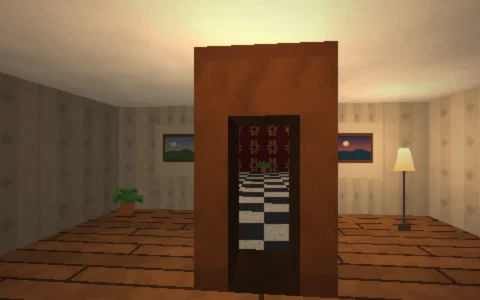
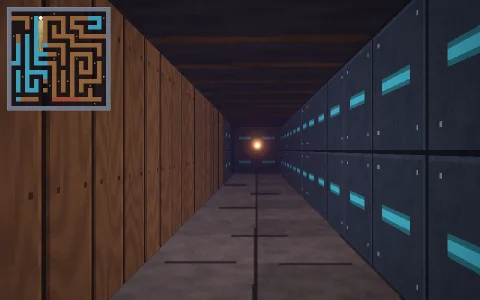
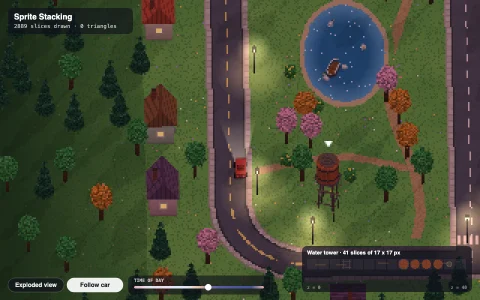
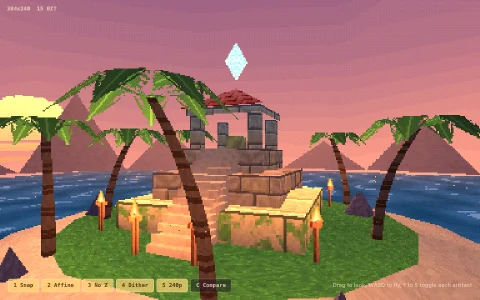
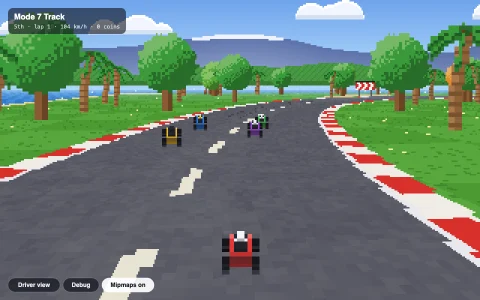
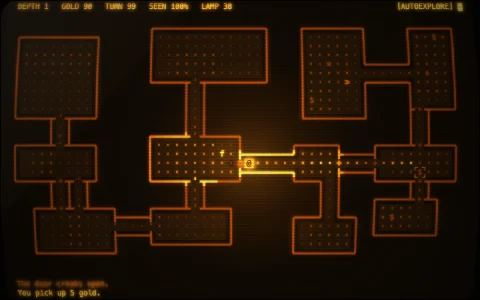
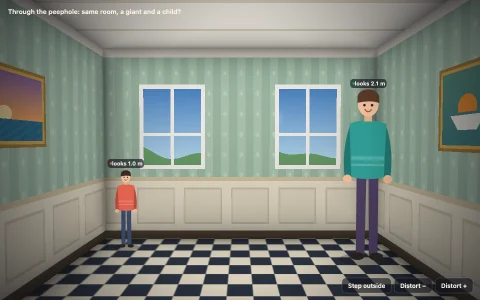
A 2.5D portal engine in the mid-90s style: a slow walk round a castle at golden hour.
The castle is a set of convex polygons called sectors, each with its own floor and ceiling height, light level and textures; shared edges are portals. Rendering starts in the sector holding the eye and walks its edges column by column: solid edges become walls, portals draw only the strips where the next sector's floor is higher or ceiling lower, then narrow each column's clip window to the opening and recurse, so every pixel is written once with no sorting. Steps, window sills, thick walls, the fountain and the pointed arches (two sloped ceilings meeting) are all just sectors of different heights, and from open sky a roofed sector is seen a second time as its own roof. Floors and ceilings are found per pixel by intersecting the eye ray with each sector's plane, walls use perspective-correct texture coordinates, torches add flickering point light indoors, sprites are depth tested, and every texture, from the cobbles to the sky, is painted in code.
Try it. Walk with WASD or the arrow keys (Q and E turn), or drag on the view: up and down walks, left and right turns. Space jumps and C crouches. Tab cycles the views: normal, clip windows colored by portal depth and rebuilt sector by sector, and the sector graph. Left alone, it tours the courtyard, hall, cloister and walls.
Paste this into Claude Code, Codex or any coding agent to get a simple version running, then take it wherever you like.
Build a 2.5D sector and portal engine in the style of mid-90s first-person games, with JavaScript and the HTML canvas element, and use it for a peaceful walk around a small castle courtyard. Put everything in a single index.html file with no libraries or build step, so I can open it directly in a browser.

Start simple:
- Make a canvas that fills the window and resizes with it. Render into a small offscreen canvas (about 320 by 200) with ImageData and scale it up with image smoothing turned off for crisp pixels.
- Define the map as convex polygons ("sectors") that share edges. Each sector has a floor height, a ceiling height and a light level. Find shared edges automatically and treat them as portals.
- Render column by column with a top and bottom clip limit per column. Starting in the player's sector, project each edge to screen columns. For each column draw the ceiling above and floor below, then either a solid wall, or for a portal, the upper wall where the neighbor's ceiling is lower and the lower wall where its floor is higher, then narrow the clip limits to the opening and recurse into the neighbor through just those columns.
- Walk with WASD and turn with the mouse. Step up onto floors that are at most half a meter higher, and fall with gravity.

Then make it beautiful:
- Build the courtyard from sectors: steps (a run of thin sectors each a little higher), thick walls (sectors with a high floor), windows (sectors with a raised floor and lowered ceiling), and a fountain.
- Paint small textures in code (stone blocks, cobbles, grass) and map them with perspective-correct coordinates; texture floors by intersecting each pixel's ray with the floor plane.
- Give outdoor sectors a painted sky that scrolls with the view, and darken walls by their angle to a low sun.

Explain the key ideas in short code comments. When you're done, tell me how to open it and suggest three directions I could take it next, such as sloped ceilings, sprites with a depth buffer, or a debug view that colors each clip window by portal depth.