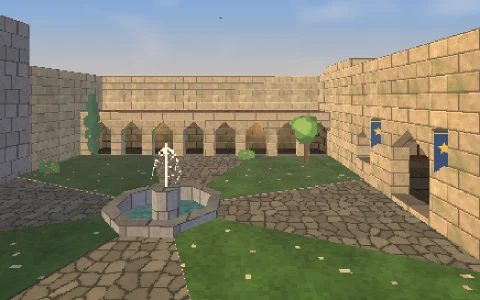
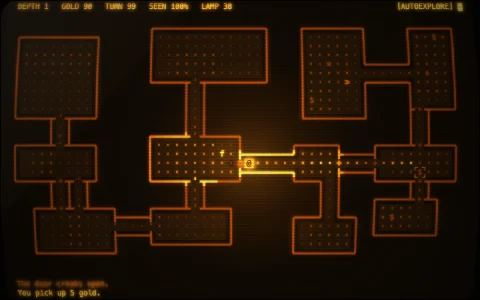
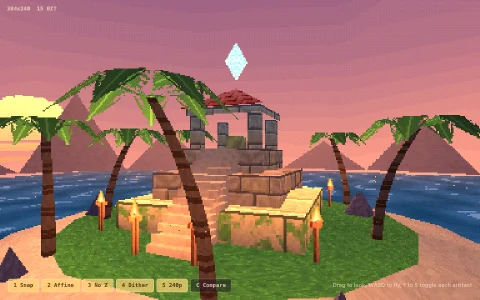
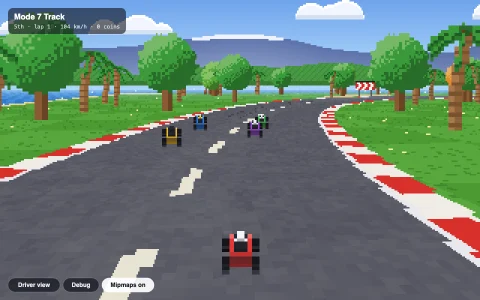
A Wolfenstein-style 3D maze drawn one column at a time.
There is no 3D engine here. For each column of pixels the program casts a ray across a flat 2D grid map using the DDA algorithm, finds the first wall it hits, and draws a vertical strip whose height falls off with distance. Procedurally generated wall textures, distance fog and a floor gradient make the corridors feel solid. A minimap shows the rays fanning out from the player.
Try it. Drag on the view to walk and turn (up and down to walk, left and right to turn), or click it and use the arrow keys or WASD. Leave it alone and it explores on its own.
Paste this into Claude Code, Codex or any coding agent to get a simple version running, then take it wherever you like.
Build a Wolfenstein-style 3D maze with a raycaster, using JavaScript and the HTML canvas element. Put everything in a single index.html file with no libraries or build step, so I can open it directly in a browser.

Start simple:
- Make a canvas that fills the window, stays sharp on high-DPI screens (scale by devicePixelRatio), and resizes with the window.
- Describe the maze as a 2D grid of numbers (0 = empty, 1-4 = wall types), about 16x16, with a solid border.
- Keep a player position (x, y in grid units), a direction vector, and a camera plane vector perpendicular to it (length about 0.66, which gives a 66 degree field of view).
- For each screen column, cast a ray with the DDA algorithm: step from grid line to grid line until you hit a wall, then use the perpendicular distance (straight-line distance causes fisheye) to draw a vertical strip whose height is screenHeight / distance.
- Color walls by type, with y-side hits darker so corners read clearly.
- Paint ceiling and floor as gradients. Walk with the arrow keys or WASD, without passing through walls.

Once that works, make it beautiful:
- Generate 64x64 wall textures (bricks, stone, wood planks) into offscreen canvases at load, and draw each column as a 1-pixel-wide slice with drawImage(texture, texX, 0, 1, 64, x, top, 1, height).
- Add distance fog that blends walls toward a dark color, and a minimap in the corner showing the rays fanning out from the player.
- Add an autopilot that explores on its own when nobody is pressing keys.

Explain the key ideas in short code comments. When you're done, tell me how to open it and suggest three directions I could take it next, such as textured floor casting, billboard sprites with a depth buffer, or doors that slide open.