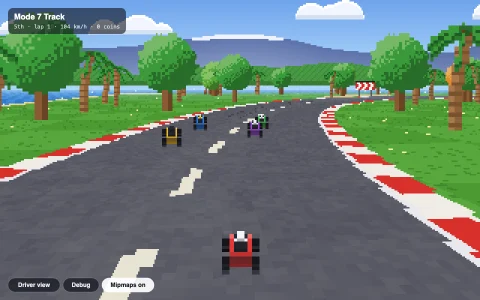
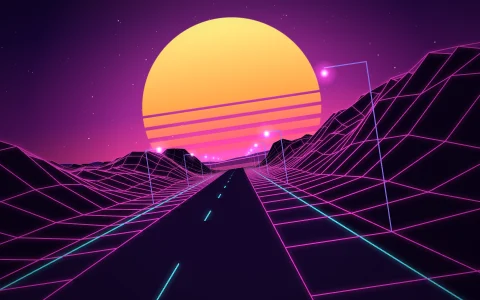
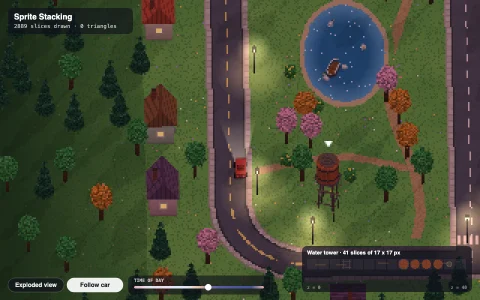
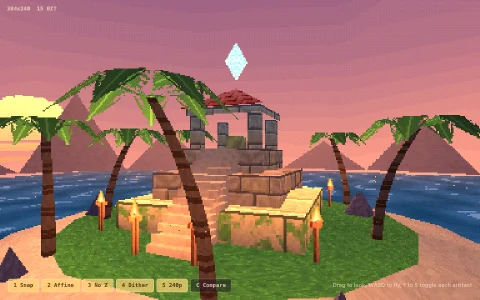
A sunset coastal highway faked the 80s arcade way, from flat segments and sprites.
The highway is a list of short flat segments that store only a height and a curve number. Each frame the renderer walks the next 300 of them and projects their edges with one perspective divide, then fills the rows between each pair of edges into a 320 x 200 pixel buffer, near to far, clipping against the lowest row drawn so far so hills hide whatever lies behind their crest. Curves never rotate anything: every segment shifts the road sideways by dx and dx grows by the segment's curve, so the road bends on screen while the camera only slides. Alternating light and dark bands sell the speed; palms, beach umbrellas, huts, boats and traffic are pixel sprites scaled by the same factor and drawn back to front; the sky and hills scroll against the curves for parallax; and the time of day blends five full palettes, with lamps and tail lights glowing after dark.
Try it. Steer with the left and right arrows (up and down for throttle), or hold the pointer and tilt it left or right of center to steer. Drag the slider or press T to change the time of day, and turn on Wireframe (W) to see the projected segments colored by curve, with profiles of the curve and height ahead. Let go and the autopilot drives, overtaking traffic.
Paste this into Claude Code, Codex or any coding agent to get a simple version running, then take it wherever you like.
Build a pseudo 3D racing road, the technique 80s arcade racers used to fake depth, with JavaScript and the HTML canvas element. Put everything in a single index.html file with no libraries or build step, so I can open it directly in a browser.

Start simple:
- Make the road a list of segments, each 200 units long, with a curve value and a height. Build a loop of a few hundred: straights, gentle left and right curves that ease in and out, and some hills.
- Each frame, start at the segment under the camera and walk forward about 200 segments. Project each segment's near and far edge: scale = cameraDepth / (z - cameraZ), screenY = height / 2 - scale * (y - cameraY) * height / 2, half width = scale * roadWidth * width / 2.
- Fake curves with two running numbers: shift each segment sideways by x, then x += dx and dx += segment.curve.
- Draw each segment as trapezoids from near to far: full-width grass, red and white rumble strips, then the road, alternating light and dark colors every three segments. Keep track of the highest screen row drawn so far and skip anything that would be hidden behind a hill.
- Move the camera forward at a steady speed and steer with the arrow keys.

Once that works, make it beautiful:
- Render into a 320 x 200 canvas and scale it up with imageSmoothingEnabled = false for crisp pixels, add fog toward the horizon, and add a sky with layered hills that scroll sideways as the road curves.
- Add roadside sprites (palm trees drawn as small pixel images) attached to segments, scaled by the same projection and drawn far to near.
- Draw a little car from behind at the bottom, and push it outward on curves.

Explain the key ideas in short code comments. When you're done, tell me how to open it and suggest three directions I could take it next, such as traffic to overtake, a day to dusk palette blend with glowing lamps, or a wireframe view that shows each projected segment.