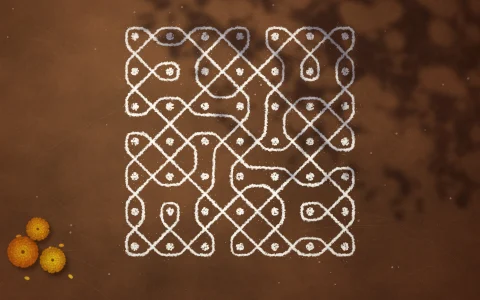
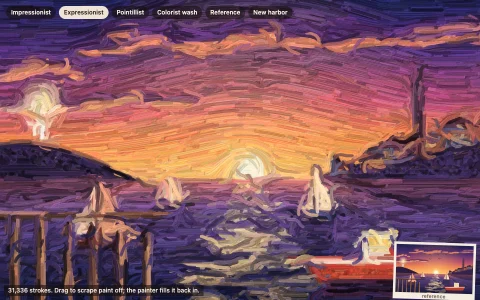
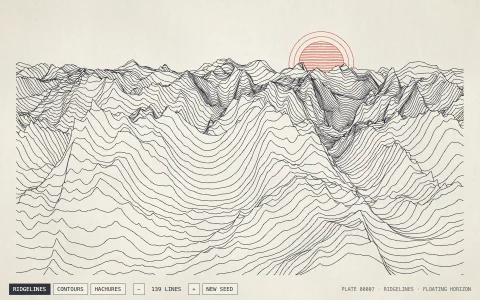
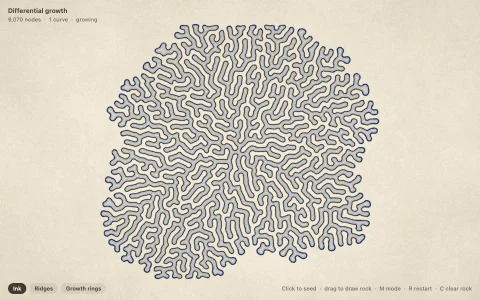
Draw once, and twelve mirrored strokes bloom into a mandala.
Every stroke is drawn in many rotated copies around the center, and each copy is mirrored, using canvas transforms so the drawing code only describes one stroke. Line width follows speed and hue cycles over time. When nobody is drawing, a wandering pen keeps the pattern growing on its own.
Try it. Draw with the pointer. Press C or double-click to clear, and 1 to 9 to change the symmetry.
Paste this into Claude Code, Codex or any coding agent to get a simple version running, then take it wherever you like.
Build a kaleidoscope drawing toy with JavaScript and the HTML canvas element. Put everything in a single index.html file with no libraries or build step, so I can open it directly in a browser.

Start simple:
- Make a canvas that fills the window, stays sharp on high-DPI screens (scale by devicePixelRatio), and resizes with the window. Paint it a deep navy or near-black background.
- When I drag the pointer, take each small segment of my stroke relative to the center of the canvas and draw it 6 times, rotated by 60 degrees each time with ctx.rotate. Then draw each copy again mirrored with ctx.scale(1, -1), for 12 symmetric strokes.
- Build each segment once as a Path2D and stroke it under each transform, so the drawing code only describes one stroke.
- Cycle the hue over time with hsl() colors, and make the line thinner when I move fast and thicker when I move slowly.
- Press C or double-click to clear, and 1 to 9 to change the number of rotations.

Once that works, make it beautiful:
- Smooth the strokes with quadratic curves through the midpoints of the pointer samples.
- Draw each stroke twice with globalCompositeOperation = "lighter": a wide, faint glow and a thin, bright core.
- Add an autopilot pen that draws when I am idle: in polar coordinates, have it trace petals, scallops and loops in rings that grow outward from the center, so a mandala builds itself.
- Slowly rotate the finished mandala, then fade it out and start a fresh one with a new palette.

Explain the key ideas in short code comments. When you're done, tell me how to open it and suggest three directions I could take it next, such as exporting a high-resolution PNG, a mode that draws with dots or shapes, or recording and replaying strokes.