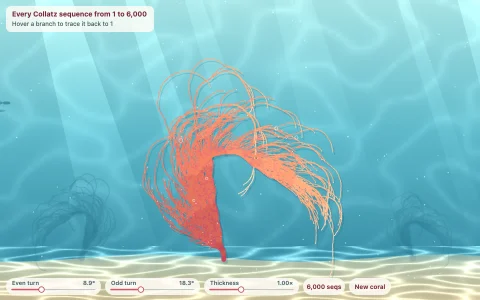
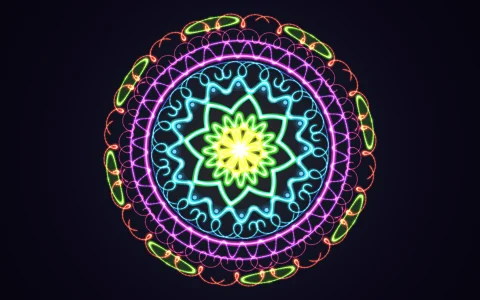
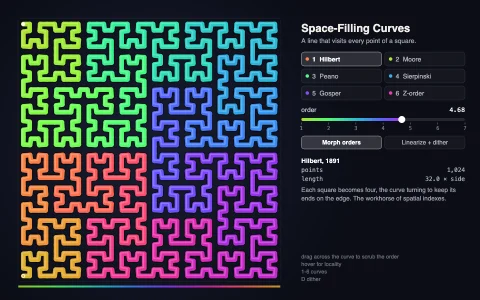
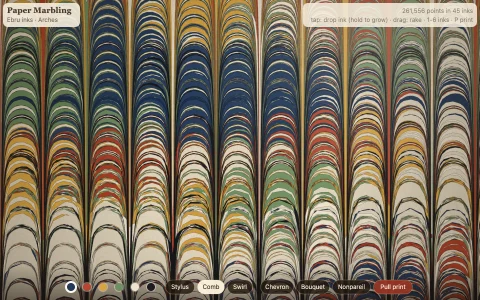
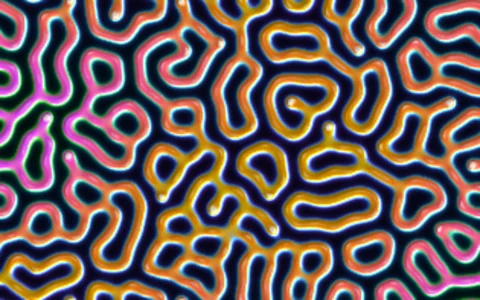
One closed line grows, buckles and folds into brain coral without ever crossing.
A ring of nodes follows three local rules: every node is pushed away by any other node within a small radius, pulled along the curve toward its neighbors by springs, and nudged toward their midpoint to stay smooth. New nodes are inserted wherever an edge stretches and, at random, wherever the line has room, so free stretches lengthen and the curve has to buckle to fit, the same logic that ruffles lettuce leaves and folds coral. A spatial hash rebuilt every step with a counting sort means each node only checks its own neighborhood, so twelve thousand nodes run in real time, and capping each step below the repulsion radius means the line can never pass through itself. The same geometry is drawn as ink and watercolor on paper (wet blue ink marks the growing front), as contour-shaded coral ridges, or colored by when each segment was born.
Try it. Click open paper to seed a new curve. Drag to draw rock the growth must flow around. Use the buttons or press M to switch between ink, ridges and growth rings, R to restart and C to clear the rock.
Paste this into Claude Code, Codex or any coding agent to get a simple version running, then take it wherever you like.
Build a differential growth simulation with JavaScript and the HTML canvas element: a closed line that keeps growing inside the page until it folds into coral-like patterns. Put everything in a single index.html file with no libraries or build step, so I can open it directly in a browser.

Start simple:
- Make a canvas that fills the window, stays sharp on high-DPI screens (scale by devicePixelRatio), and has a warm paper-colored background.
- Store a curve as an array of points forming a closed loop. Start with about 20 points on a small circle in the middle.
- Every frame, move each point by three forces: repulsion from every other point closer than a radius R (about 10 px), a pull toward the midpoint of its two neighbors on the loop, and a spring that keeps each edge near a rest length (about 4 px).
- After moving, walk the loop and insert a new point in the middle of any edge longer than about 6 px. Also insert points at random into edges whose endpoints have few foreign neighbors, so the curve keeps growing where there is room.
- Cap how far a point can move per step at well under R, so the line never passes through itself.
- Redraw the loop each frame as one closed path with a thin dark line.

Once that works, make it beautiful and fast:
- Replace the all-pairs repulsion with a uniform grid (cell size R): put each point in its cell, and only check the 3 x 3 cells around it. This takes you from hundreds to thousands of points.
- Fill the inside of the loop with a pale ink wash, then clip to that same path and stroke it wide and translucent, so the color pools against the line like watercolor.
- Click to seed a new loop in open space, and let it grow until the page is full.

Explain the key ideas in short code comments. When you're done, tell me how to open it and suggest three directions I could take it next, such as obstacles the growth flows around, a contour-shaded 3D coral rendering, or exporting the line as SVG for a pen plotter.