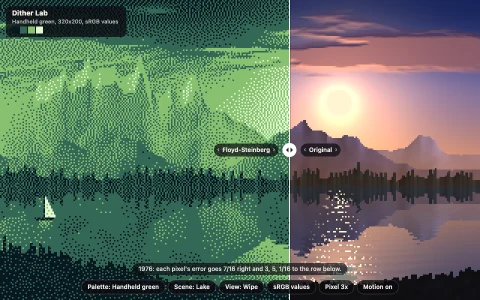
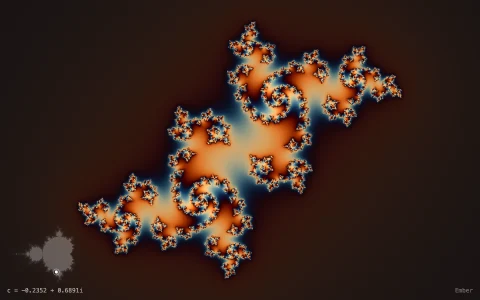
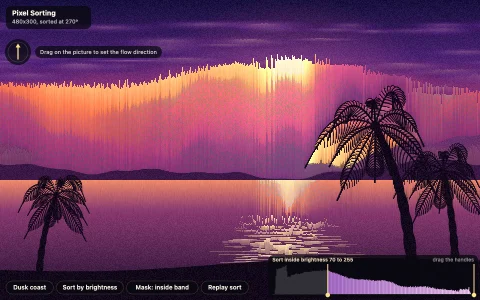
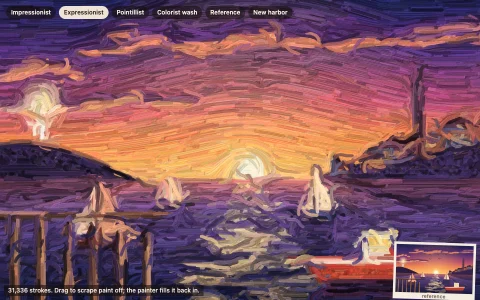
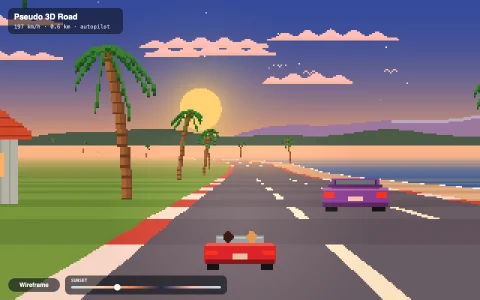
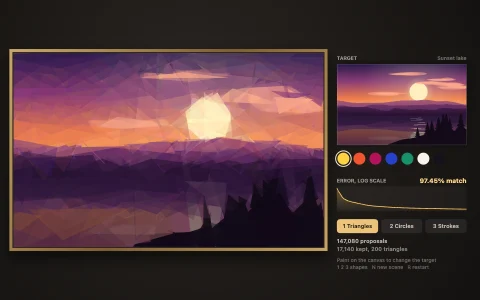
A waterfall, harbor rain and an aurora, animated without changing a single pixel.
Each scene is painted once, procedurally, into a 320 x 200 image of palette indices with ordered dithering, and from then on only the 256-color palette moves. A cycling range is a run of entries whose colors rotate: the waterfall's indices climb as the square root of the drop, so its streaks accelerate as they fall, and the pool's indices grow with distance, so its ripples spread. Rain, snow, stars, the lighthouse beam and the aurora are overlay entries that copy the exact background color behind them and only some are tinted at a time, so drops slide down their lines while the rest stay invisible. Time of day blends four complete palettes entry by entry, and rotation blends neighboring slots so the motion stays smooth at any speed. A live counter compares the index buffer with a snapshot every second to prove nothing is redrawn.
Try it. Drag across the picture or use the slider to move from dawn to night, hover or tap any pixel to see its palette index and light up its whole range, press Show ranges (R) to color every cycling range, and Freeze (Space) to stop the palette. Keys 1 to 3 switch scenes; up and down change the cycling speed.
Paste this into Claude Code, Codex or any coding agent to get a simple version running, then take it wherever you like.
Build a palette cycling animation, the classic pixel art trick where a picture is drawn once and only its colors move, with JavaScript and the HTML canvas element. Put everything in a single index.html file with no libraries or build step, so I can open it directly in a browser.

Start simple:
- Make a 320 x 200 offscreen canvas and a Uint8Array of the same size. Each entry is a palette index from 0 to 255, never a color.
- Keep a palette as an array of 256 RGB colors. Every frame, look each pixel's index up in the palette, write the result into an ImageData, and draw the small canvas scaled up to fill the window with imageSmoothingEnabled = false so the pixels stay crisp.
- Paint a simple waterfall into the index buffer once: a sky gradient using entries 0 to 15, rock using 16 to 31, and a vertical band of water whose index is 32 + (y % 16).
- Give entries 32 to 47 a repeating pattern of light and dark blues. Each frame, rotate those 16 colors by one slot. The water flows down even though no index changes.

Once that works, make it beautiful:
- Use ordered (Bayer) dithering when painting gradients, so a few palette entries look like smooth shading.
- Rotate by fractional amounts: blend each slot with its neighbour by the leftover fraction, so the speed is smooth and adjustable.
- Use Math.sqrt of the drop height when assigning the water's indices, so the streaks accelerate as they fall, and add a pool whose index grows with the distance from the plunge point, so ripples spread outward.
- Make two complete palettes, day and night, and blend between them with a slider.

Explain the key ideas in short code comments. When you're done, tell me how to open it and suggest three directions I could take it next, such as rain made of overlay entries that copy the background color, a view that highlights each cycling range, or a lighthouse beam that sweeps by rotating colors around a center.