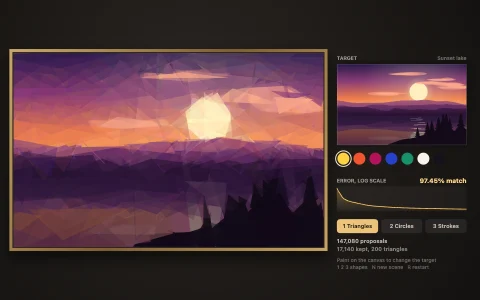
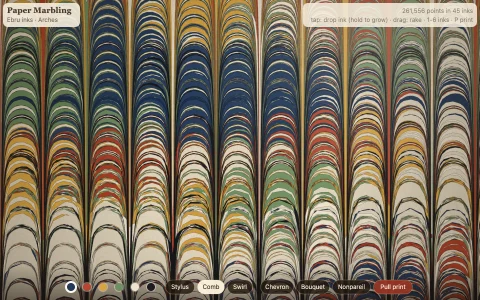
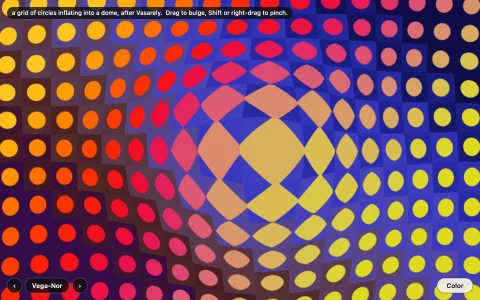
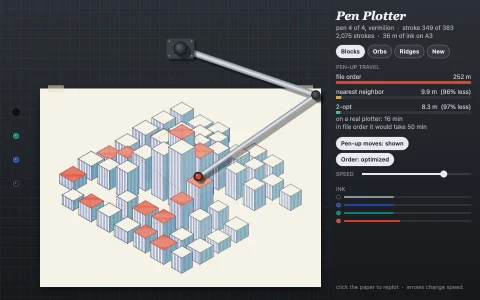
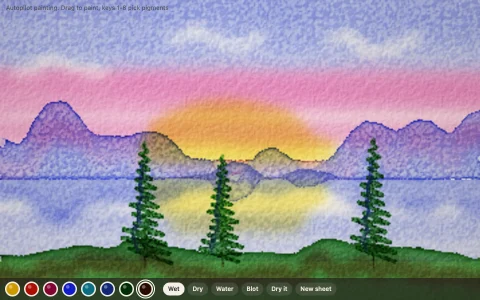
A harbor at dusk repainted coarse to fine in thousands of curved, bristly strokes.
A procedurally drawn harbor at sunset is the reference, and Aaron Hertzmann's 1998 painterly rendering algorithm repaints it on a toned canvas. For each brush size, from big to small, it blurs the reference, walks a grid over the painting, and starts a stroke wherever the painting so far differs too much from the target. Each stroke grows step by step perpendicular to the image gradient, so it runs along edges, and stops when the color under it drifts from its own, which is why small brushes only land where detail is missing. Strokes are rendered with bristle tracks and drawn into a height map that is lit for impasto relief, and the four styles are Hertzmann's own parameter sets.
Try it. Pick a style (or press 1 to 4) to repaint from the ground up. Drag to scrape paint off with a palette knife and the painter repairs the patch, coarse to fine. Hold Space or toggle Reference to see the source picture, and press N for a new harbor.
Paste this into Claude Code, Codex or any coding agent to get a simple version running, then take it wherever you like.
Build a painterly renderer with JavaScript and the HTML canvas element, following Aaron Hertzmann's 1998 paper "Painterly Rendering with Curved Brush Strokes of Multiple Sizes". Put everything in a single index.html file with no libraries or build step, so I can open it directly in a browser.

Start simple:
- Draw a reference picture into an offscreen canvas about 480 pixels wide using plain canvas calls: a sunset sky gradient, a sun, a dark hill, a sea with a few bright horizontal glints. Read its pixels with getImageData.
- Make the visible canvas the same size, filled with a warm brown ground color.
- Paint in layers with brush radii 8, 4 and 2. For each radius, blur the reference (a few passes of a box blur work) and compute its luminance gradient with a Sobel filter.
- Walk a grid with spacing equal to the radius. In each grid cell, average the color difference between the painting so far (read it back with getImageData once per layer) and the blurred reference. If it is above a threshold, start a stroke at the cell's worst pixel.
- A stroke starts with the reference color at that point and grows up to 16 steps of length R, each step perpendicular to the gradient, flipping direction if needed so it does not double back. After 4 steps, stop when the reference under the stroke is closer to the painting than to the stroke's color.
- Shuffle each layer's strokes and draw them as round-capped polylines with lineWidth 2R. Animate a few hundred strokes per frame so you can watch the painting build up.

Once that works, make it beautiful:
- Smooth each stroke's points with a Catmull-Rom spline.
- Add bristle texture: draw several thin offset lines along each stroke, each slightly lighter or darker.
- Add the paper's style parameters (threshold, curvature filter, opacity, color jitter) and buttons for Impressionist and Expressionist presets.

Explain the key ideas in short code comments. When you're done, tell me how to open it and suggest three directions I could take it next, such as impasto lighting from a height map of the strokes, a pointillist style made of dots, or letting the mouse scrape paint off so the algorithm repairs it.