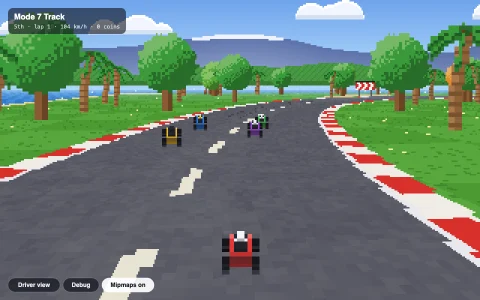
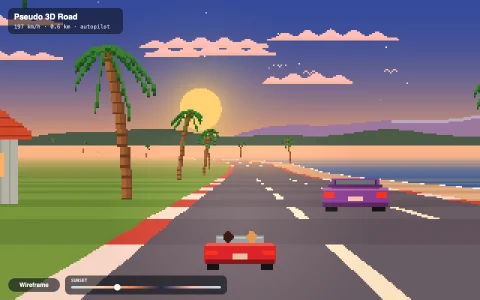
Fly low over a mountain valley with the 1992 Comanche terrain trick.
The terrain is just two images: a height map and a color map. For each screen column, the renderer walks forward through the map, front to back, drawing a vertical line for every slice that rises above what has already been drawn. That is the Voxel Space algorithm from the 1992 game Comanche. The height map is fractal noise shaped to look eroded, then water is routed downhill to carve river valleys and fill lakes. Sunlight and cast shadows are baked into the color map, and distance fog fades the far hills.
Try it. Drag to steer and climb, or click the view and use the arrow keys or WASD. Leave it alone and it flies itself.
Paste this into Claude Code, Codex or any coding agent to get a simple version running, then take it wherever you like.
Build a Voxel Space terrain flyover (the rendering trick from the 1992 game Comanche) with JavaScript and the HTML canvas element. Put everything in a single index.html file with no libraries or build step, so I can open it directly in a browser.

Start simple:
- Make a canvas that fills the window. Render into an offscreen ImageData of about 400 x 250 and scale it up with drawImage.
- Generate a 512 x 512 height map with tiling fractal value noise (write the noise yourself), and a matching color map: water below a level, then grass, rock on steep slopes and snow on peaks. Bake simple lighting into the color map using the slope toward a sun direction.
- Render with the Voxel Space algorithm: keep a y-buffer with one entry per screen column. For distances from near to far, find the ends of a line across the map, step along it once per column, read the height, and project it: screen y = (camera height - terrain height) / distance * scale + horizon. If that is above the column's y-buffer, draw a vertical line down to it and update the buffer.
- Draw a sky gradient first, wrap map lookups so the world repeats, and fly the camera forward.

Once that works, make it beautiful:
- Let the step between distances grow with distance, and fade far samples into the sky as fog.
- Bake cast shadows into the color map by sweeping each row toward the sun and keeping track of the highest shadow ray.
- Add an autopilot that samples the terrain along a fan of headings and steers toward the lowest one, keeps a safe height above the ground ahead, and banks into turns by shifting the horizon across the columns.
- Let the arrow keys take over the steering.

Explain the key ideas in short code comments. When you're done, tell me how to open it and suggest three directions I could take it next, such as eroded terrain with rivers and lakes, water that reflects the sky, or clouds overhead.