Pavement chalk that snaps into a chasm, a stairway or floating cubes from one spot.
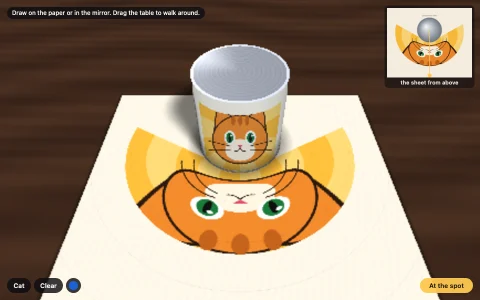
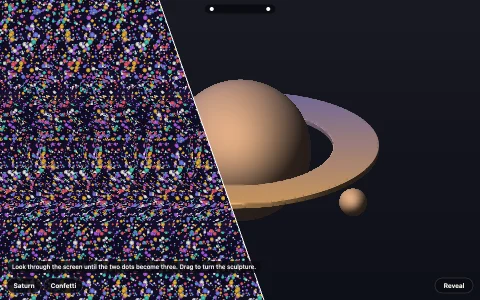
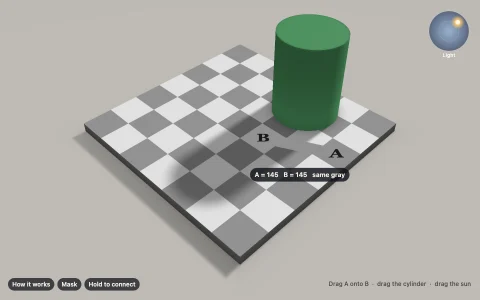
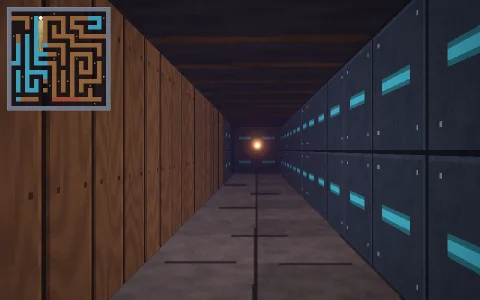
Each drawing is made by ray casting a virtual scene from one eye point: every point on the pavement is painted with whatever the ray from the eye through that point would hit, so a chasm or a stairway continues the ray under the ground and floating cubes catch it early and smear far behind themselves. The plaza is then rendered per pixel from a moving camera, mixing paving slabs, dusty chalk grain and the mortar joints that show through the pigment, and refining to full resolution whenever the camera rests. Only at the marked footprints does the chalk line up and pop into depth; everywhere else it is a stretched mess. The visitor walking the plank and the chalk bucket are real 3D objects with real shadows, so they stay solid while the drawing falls apart.
Try it. Drag to walk the viewer around the plaza and release near the sweet spot to click back into it. Press Draw chalk (or D), pick a color and draw: your strokes are cast through the eye onto the stones, so they look right from the spot and stretch everywhere else. Next drawing (N) chalks in a new scene, arrow keys move, Space returns to the spot and C clears your doodles.
Paste this into Claude Code, Codex or any coding agent to get a simple version running, then take it wherever you like.
Build an anamorphic chalk drawing with JavaScript and the HTML canvas element: a picture on the pavement that looks like a deep hole from one viewpoint and like a stretched smear from everywhere else. Put everything in a single index.html file with no libraries or build step, so I can open it directly in a browser.

Start simple:
- Set up a pinhole camera (position, look-at point, field of view) above a flat ground plane at z = 0, and render per pixel into a small offscreen canvas (about 320 x 200) that you scale up with drawImage.
- For each pixel, intersect the camera ray with the ground and color the hit point with a paving pattern of square slabs and thin darker joints.
- Pick a fixed eye point E about 2.5 m up and 7 m back from a rectangular hole you want to fake (4 m wide, 8 m long, 4 m deep). Paint the chalk: for a ground point G inside the rectangle, continue the ray from E through G below the ground and find which wall or floor of the hole it hits, then shade that wall. Explain in a comment why this makes the picture correct from E.
- Start the camera exactly at E. The hole should look real.

Once that works, make it beautiful:
- Give the walls rock strata, a lighter band of cut pavement at the top, darkening with depth, and rim shadows.
- Let the mouse drag the camera around the plaza so the drawing visibly stretches, and ease it back to E when released nearby.
- Add some chalk texture: small grain noise in the pigment and the slab joints faintly showing through.

Explain the key ideas in short code comments. When you're done, tell me how to open it and suggest three directions I could take it next, such as floating cubes that smear because they catch the ray early, a real figure standing on a painted plank, or projecting my own strokes from E onto the pavement.