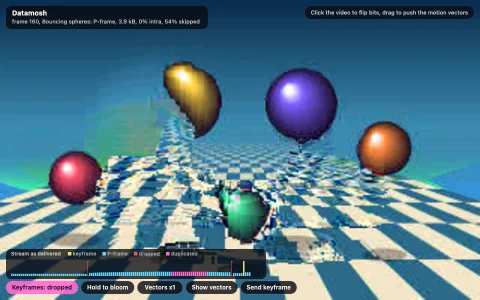
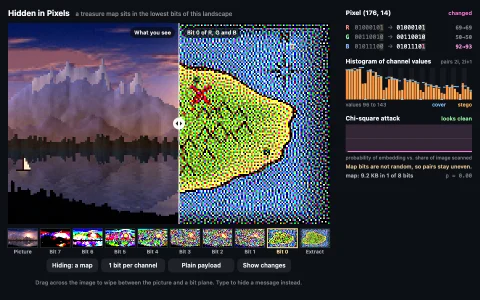
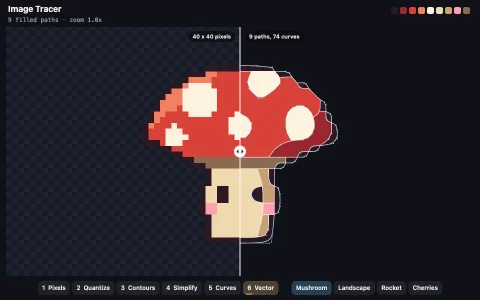
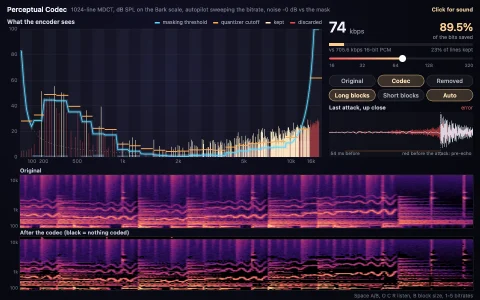
A real JPEG codec runs live on a moving scene, every stage down to its 64 cosines.
Every frame the scene is converted to YCbCr, its chroma planes are averaged down (4:2:0 by default), and each plane is cut into 8x8 blocks that go through a 2D DCT, quantization with the standard's tables scaled by the IJG quality formula, zigzag scanning and run-length symbols, then all the way back through the inverse DCT to RGB. The size readout is the Shannon bound of those (run, size) symbols plus their magnitude bits, close to what an optimized Huffman pass achieves, and PSNR measures the damage. The inspector shows one block as a weighted sum of the 64 cosine basis patterns, warm for positive weights and cool for negative, and rebuilds it one zigzag term at a time. The strip under the picture shows the same frame as the original, the error amplified 8x, the luma and chroma planes, and a spectrum view where every block is replaced by its own coefficients.
Try it. Drag the quality slider (or press up and down) to bring back blocking and ringing. Hover the picture to inspect a block, click to pin it, and click or drag across the basis grid to switch frequencies off for every block in the image. Pick a view from the strip (keys 1 to 7); the buttons cycle chroma subsampling, restore all coefficients (R), toggle the block grid (G) and freeze the video (space).
Paste this into Claude Code, Codex or any coding agent to get a simple version running, then take it wherever you like.
Build an interactive JPEG compression explorer with JavaScript and the HTML canvas element. Put everything in a single index.html file with no libraries or build step, so I can open it directly in a browser.

Start simple:
- Paint a small test image yourself into an offscreen canvas, about 192x128 pixels: a sky gradient, a sun, some hills and a few sharp-edged shapes, so there are both smooth areas and edges.
- Convert it to grayscale (luma only for now) and split it into 8x8 blocks.
- For each block, subtract 128 and apply the 2D DCT-II using a precomputed 8x8 cosine matrix (multiply by the matrix on both sides). Divide each coefficient by the standard JPEG luminance quantization table and round. That rounding is the only lossy step.
- Multiply back, apply the inverse DCT, add 128 and draw the result scaled up with smoothing off so the blocks are visible.
- Add a quality slider from 1 to 100 that scales the quantization table with the IJG formula (5000 / q below 50, 200 - 2q above) and recompute live, so blocking and ringing appear as you drag it down.

Once that works, make it beautiful:
- Do it in color: convert RGB to YCbCr, average the two chroma planes down 2x2 (4:2:0), compress all three planes, then upsample and convert back.
- When the mouse hovers a block, show its 64 DCT basis patterns in an 8x8 grid, each shown with the weight that block gives it, and rebuild the block one coefficient at a time in zigzag order.
- Count the nonzero coefficients and show an estimated file size and the compression ratio.

Explain the key ideas in short code comments. When you're done, tell me how to open it and suggest three directions I could take it next, such as letting me switch individual frequencies off, an error view amplified 8x, or a real Huffman coder that writes a valid .jpg file.