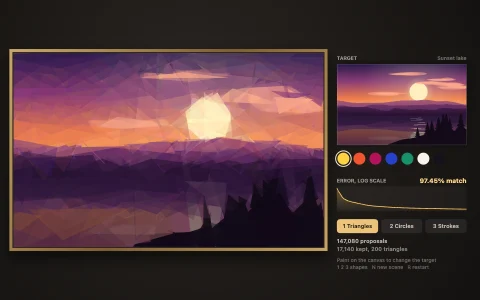
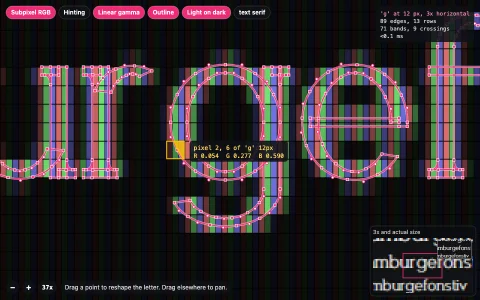
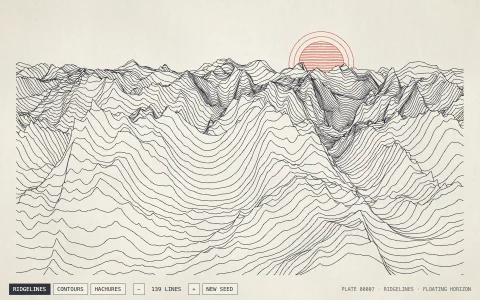
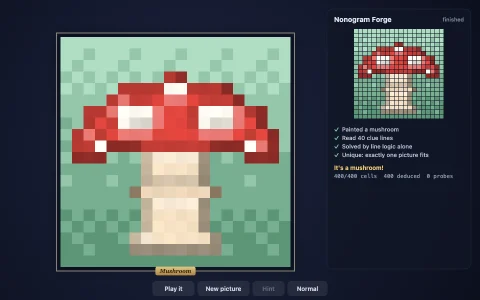
Pixel art and a painted landscape traced into crisp, infinitely zoomable curves.
Each stage of a bitmap tracer runs in front of you. k-means picks a palette for the landscape and specks are merged away. Multi-label marching squares then lays boundaries through the midpoints between differently coloured pixels, with junctions where three colours meet, producing one graph of edges shared by neighbouring regions. Douglas-Peucker simplifies each shared chain once, so shapes can never drift apart, and a potrace-style rule turns each vertex into a corner or a Bezier curve, smoothing through junctions too. Every colour becomes a single Path2D, so zooming in stays sharp while the pixels beside it turn to blocks.
Try it. Step through the stages with the buttons or keys 1 to 6, and switch between the mushroom, landscape, rocket and cherries. Up and down arrows change the subject. In the Vector stage drag the divider to compare pixels and curves, scroll (or press + and -) to zoom anywhere, drag to pan, and press R to reset the view.
Paste this into Claude Code, Codex or any coding agent to get a simple version running, then take it wherever you like.
Build a bitmap-to-vector tracer that shows each stage, with JavaScript and the HTML canvas element. Put everything in a single index.html file with no libraries or build step, so I can open it directly in a browser.

Start simple:
- Make a 32 x 32 pixel-art sprite in code as an array of palette indices (for example a red mushroom with white spots and a dark outline), and draw it scaled up with image smoothing off.
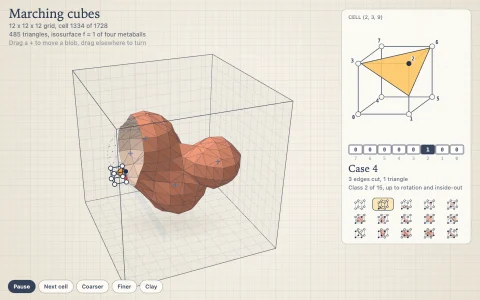
- For one colour at a time, run marching squares on the dual grid of pixel centres: each 2 x 2 block of pixels is a cell, and where the colour changes along a cell edge the boundary passes through that edge's midpoint. Join the segments into closed loops.
- Simplify each loop with Douglas-Peucker (tolerance about 0.6 pixels) and draw the polygons over the pixels with their vertices as dots.
- Fill each colour's polygons with a Path2D and draw them in order, largest first.

Once that works, make it beautiful:
- Smooth the polygons into curves in the spirit of potrace: for each vertex draw a cubic Bezier from the midpoint of its incoming edge to the midpoint of its outgoing edge, with control points pulled toward the vertex, and keep it a sharp corner if the turn is too tight.
- Add buttons for the stages (pixels, contours, simplified, curves, final) and a draggable divider that shows pixels on one side and vectors on the other.
- Add mouse-wheel zoom about the cursor, drawing the paths through ctx.setTransform, so the curves stay crisp at any zoom while the pixels turn to blocks.

Explain the key ideas in short code comments. When you're done, tell me how to open it and suggest three directions I could take it next, such as k-means colour quantization for photos, shared boundaries so neighbouring shapes never leave gaps, or exporting the result as an SVG file.