Fly through a traversable wormhole into another universe, with real light bending.
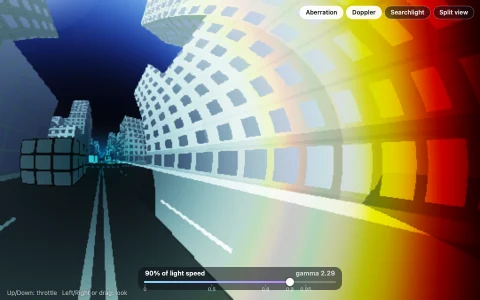
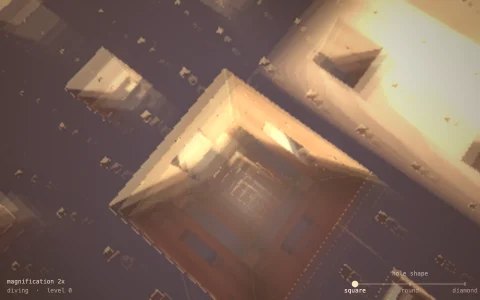
An Ellis wormhole is a tunnel through space whose throat never pinches shut: unlike a black hole it has no horizon and no shadow, so you can see straight through it and fly through it. This one joins a universe around a dusty spiral galaxy to a universe of blue nebulae. Light near it stays in a plane and bends by an amount that depends only on its angle to the throat, so every frame the program integrates a few hundred light rays with RK4, packed logarithmically toward the critical angle where rays wind around the throat, and each pixel looks up how far its ray turned and which universe it ended in. Through the throat you see the entire other sky squeezed into a disk ringed by repeated images, while your own sky is pulled into Einstein rings around it. The skies are cube maps grown from 3D noise in the background as the demo starts, filtered by how much the lens squeezes them, and the camera flies a true geodesic, so it really falls through and comes out in the other universe.
Try it. Drag to look around. Hold the mouse button, press W or Up, or scroll to fly where you are looking; S or Down backs up and A or D turns. Let go and the autopilot flies you through the throat and back.
Paste this into Claude Code, Codex or any coding agent to get a simple version running, then take it wherever you like.
Build a wormhole ray tracer with JavaScript and the HTML canvas element. Put everything in a single index.html file with no libraries or build step, so I can open it directly in a browser.

Start simple:
- Make a canvas that fills the window and resizes with it. Render per pixel into a small offscreen canvas (about 320 pixels wide) and draw it scaled up.
- Use the Ellis wormhole: proper distance l runs from minus to plus infinity, and the radius of the sphere around the throat is r = sqrt(b^2 + l^2), with b = 1. The camera sits at l = 4 on one side, looking at the throat.
- A light ray stays in one plane. If it leaves the camera at angle alpha from the direction toward the throat, its angular momentum is h = r0 sin(alpha), and it obeys l'' = h^2 l / r^4 and phi' = h / r^2, starting with l' = -cos(alpha). Integrate with RK4 until |l| is large; if l ends negative, the ray went through.
- The result depends only on alpha, so trace about 400 rays into a lookup table once, and have each pixel find its own alpha and look up how far its ray turned.
- Give each universe its own sky as a function of the final ray direction: start with two colored checkerboards so the distortion is easy to read.

Once that works, make it beautiful:
- Replace the checkerboards with procedural skies (a starry dust band for one universe, noise nebulae for the other), generated once into textures.
- Pack table samples densely near the critical angle where rays wind around the throat, so the rings stay sharp.
- Let me drag to look around and use the arrow keys to fly closer and through the throat.

Explain the key ideas in short code comments. When you're done, tell me how to open it and suggest three directions I could take it next, such as a cube-map sky with mipmaps against aliasing, an embedding diagram showing where the camera is, or turning it into a Schwarzschild black hole for comparison.