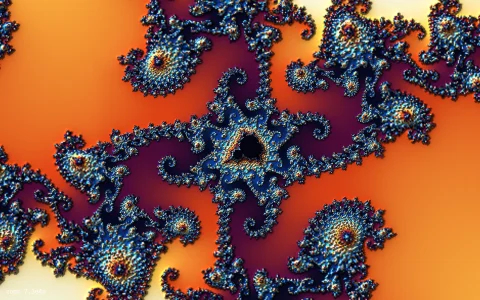
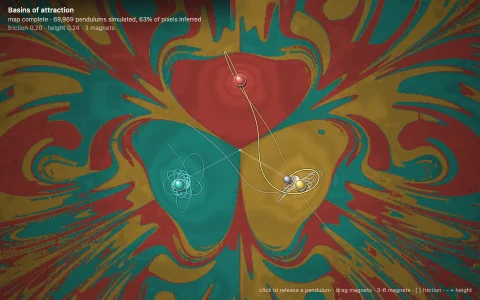
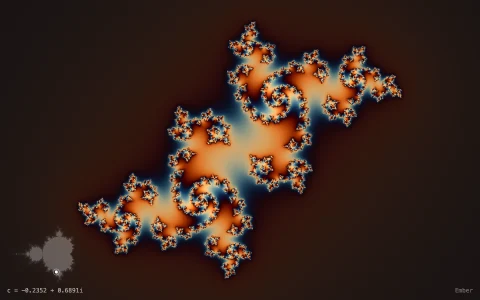
Drag the roots of a polynomial and Newton's method paints a fractal.
Newton's method is started from every pixel of the complex plane, and the pixel takes the color of the root it converges to. Each step uses the logarithmic derivative p'/p = sum 1/(z - r), so the roots themselves are the only parameters and dragging one updates the whole picture. The iteration count is made continuous by interpolating in log distance between the last two iterates, then lit as a height field (Relief), inverted so only the boundaries glow (Neon), or striped one band per step. Halley's method (cubic convergence) shrinks the chaos, and relaxed Newton with a step factor a grows extra filigree. The plus marks are the critical points of p, the poles of the Newton map, which always sit on the fractal boundary where every basin touches every other; the autopilot dives into one, rendering coarse while moving and refining progressively when still.
Try it. Drag any root. Click anywhere to trace the orbit of Newton's method from that point. Drag empty space to pan and use the wheel or plus and minus to zoom. Keys 1 to 3 (or the buttons) pick Newton, Halley or relaxed Newton, [ and ] change the relaxation factor, S cycles the coloring, A adds a root at the cursor, X removes the nearest, and R resets the view.
Paste this into Claude Code, Codex or any coding agent to get a simple version running, then take it wherever you like.
Build a Newton's method fractal explorer with JavaScript and the HTML canvas element. Put everything in a single index.html file with no libraries or build step, so I can open it directly in a browser.

Start simple:
- Make a canvas that fills the window and resizes with it. Map each pixel to a complex number z, with the origin in the middle and about 4 units across.
- Pick three roots r1, r2, r3 for the polynomial p(z) = (z - r1)(z - r2)(z - r3). You never need the coefficients: p'(z) / p(z) = 1/(z - r1) + 1/(z - r2) + 1/(z - r3), so one Newton step is z = z - 1 / (that sum). Write the few complex operations you need yourself.
- For every pixel, run up to 50 Newton steps. Stop when z is within 0.001 of a root and color the pixel by which root it reached, darker the more steps it took. Points that never converge stay black.
- Render into an ImageData buffer at half the screen resolution and draw it scaled up. Draw the roots as white-ringed dots and let the mouse drag them, re-rendering as they move.

Once that works, make it beautiful:
- Make the step count smooth: when z lands within the tolerance, interpolate between the last two distances to the root in log space to get a fractional count, so the shading has no hard bands.
- Treat the smooth count as a height map and light it: take the difference with the right and lower neighbors as a slope and shade with a simple dot product against a light direction.
- Click a point to draw its orbit: the sequence of Newton iterates as dots joined by lines, so you can watch a point near a boundary bounce around before it settles.
- Render low resolution while dragging and full resolution once the mouse stops, so it stays smooth.

Explain the key ideas in short code comments. When you're done, tell me how to open it and suggest three directions I could take it next, such as Halley's method, a relaxation factor a in z = z - a p/p', or zooming into the boundary where all the colors meet.