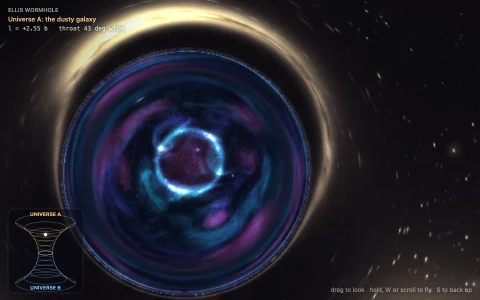
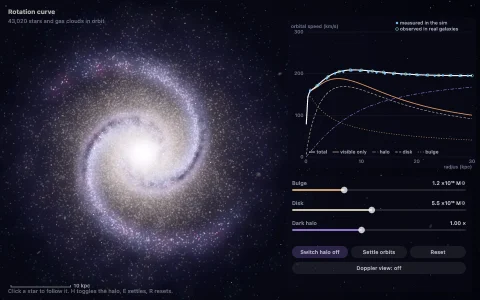
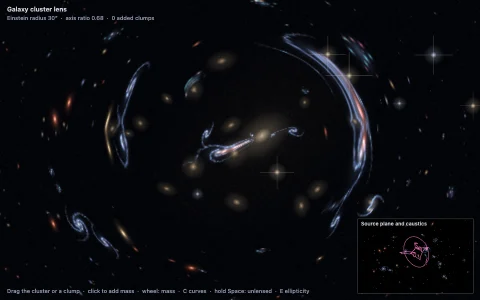
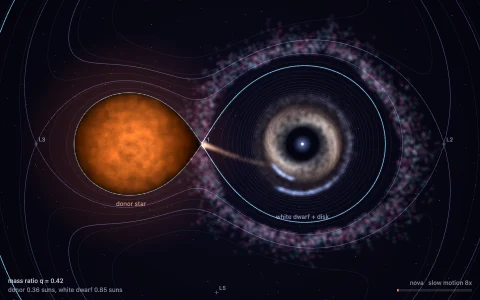
A glowing accretion disk bent into a halo by gravitational lensing.
Light near a Schwarzschild black hole travels in a plane, and how much it bends depends only on how closely it aims at the hole. The program integrates that bending step by step for about a thousand aims, packed densely around the photon sphere where light can circle the hole, and every pixel looks up its own path. Rays that cross the thin accretion disk pick up its blackbody glow, shifted by gravitational redshift and Doppler beaming so the side spinning toward you is brighter, and rays that fall below the photon sphere never come back, carving out the shadow. The far side of the disk is lensed up and over the top, a thin photon ring hugs the shadow, and the stars behind are lensed too, just like the famous Interstellar image.
Try it. Drag to orbit the camera. Scroll or pinch to move closer or farther away.
Paste this into Claude Code, Codex or any coding agent to get a simple version running, then take it wherever you like.
Build a black hole with a glowing accretion disk and real gravitational lensing, using JavaScript and the HTML canvas element. Put everything in a single index.html file with no libraries or build step, so I can open it directly in a browser.

Start simple:
- Render into a small offscreen canvas (about 320 pixels wide) with ImageData and draw it scaled up to fill the window.
- Use units where the Schwarzschild radius is 1. Put the camera about 30 units from the hole, slightly above the disk plane, looking at the center.
- For each pixel, build a ray and work in the plane that contains the ray and the hole. Light in that plane follows u'' = -u + 1.5 * u^2, where u = 1/r and the derivative is taken with respect to the orbital angle. Step it with RK4 until the ray falls inside r = 1 (paint it black) or flies back out.
- Each step, check whether the ray crossed the disk plane between radius 3 and 15. If it did, color the pixel by radius: white-hot near the inside, deep orange at the edge.
- Rays that escape get a dark sky with a few hash-based stars, looked up by the direction they leave in, so the stars get lensed too.

Once that works, make it beautiful:
- Shift the disk color with Doppler beaming: the side spinning toward the camera is brighter and bluer, the receding side dimmer and redder.
- Keep the ray going after its first disk crossing so you see the far side of the disk arching over the shadow and a thin photon ring.
- Add a soft bloom (a small blurred copy drawn on top additively) and let the camera drift slowly around the hole.

Explain the key ideas in short code comments. When you're done, tell me how to open it and suggest three directions I could take it next, such as precomputing the light paths in a table for full resolution, adding a lensed galaxy background, or animating swirling gas in the disk.