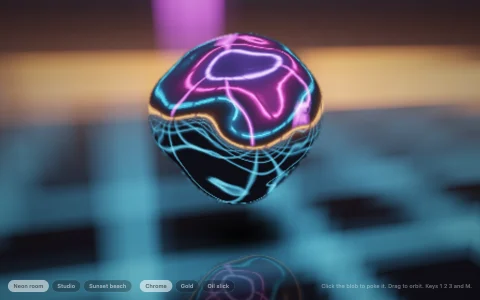
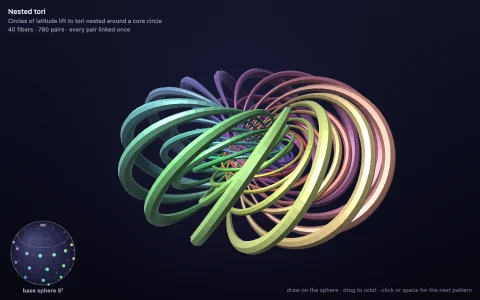
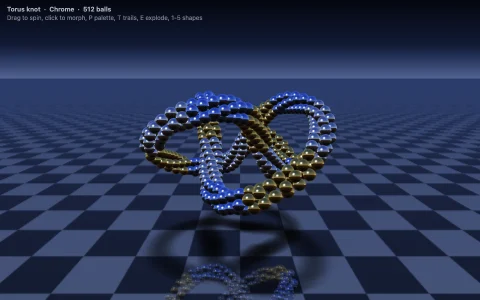
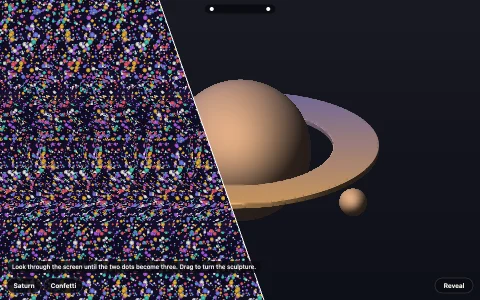
A shaded torus rendered point by point with a homemade z-buffer.
Inspired by the famous donut.c, this samples thousands of points on the surface of a torus, rotates them in 3D, projects them to the screen, and keeps only the nearest point per pixel in a depth buffer. Each point's surface normal is compared with a light direction to get its brightness. The result is real-time 3D shading with no WebGL at all.
Try it. Drag to spin the donut yourself. Release to let it coast. Press A for an ASCII version.
Paste this into Claude Code, Codex or any coding agent to get a simple version running, then take it wherever you like.
Build a spinning 3D donut in the spirit of the famous donut.c, using JavaScript and the HTML canvas element, with no WebGL. Put everything in a single index.html file with no libraries or build step, so I can open it directly in a browser.

Start simple:
- Make a canvas that fills the window. Render into a small offscreen canvas (about 320 pixels wide) with ImageData, then drawImage it scaled up.
- A torus is two angles: theta goes around the tube (radius 1) and phi goes around the ring (radius 2). Loop over both to get points and normals.
- Rotate each point and normal by two angles that increase every frame, push the donut about 6 units away from the camera, and project with x' = K * x / z, y' = K * y / z.
- Keep a depth buffer (a Float32Array with one value per pixel, storing 1/z). Only write a pixel when this point is nearer than what is already there.
- Light it: brightness is the dot product of the normal with a light direction.

Once that works, make it beautiful:
- Add a Blinn-Phong specular highlight (raise the normal-dot-halfway value to a power like 32) so it looks glazed.
- Color the top of the tube as pink frosting with a wavy edge, dough underneath, and scatter colorful sprinkles chosen by hashing the theta and phi cells.
- Let me drag to spin it, and keep spinning with inertia after I let go.

Explain the key ideas in short code comments. When you're done, tell me how to open it and suggest three directions I could take it next, such as an ASCII art mode, shadows on a floor, or other parametric shapes like a trefoil knot.