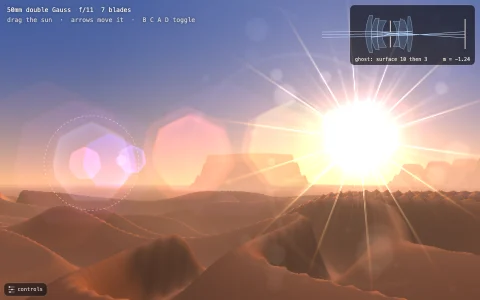
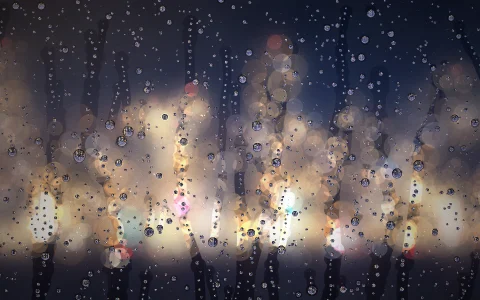
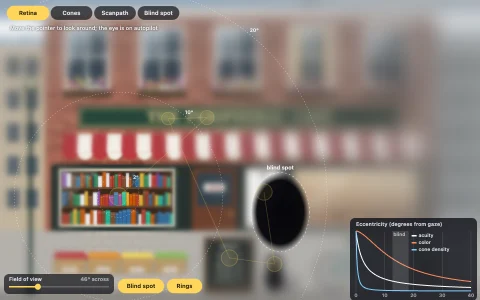
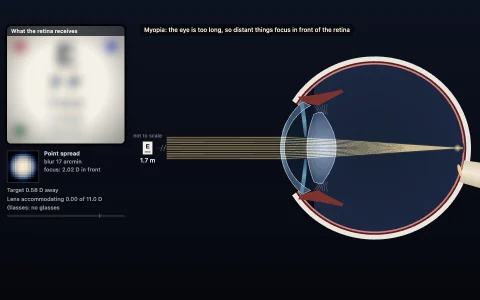
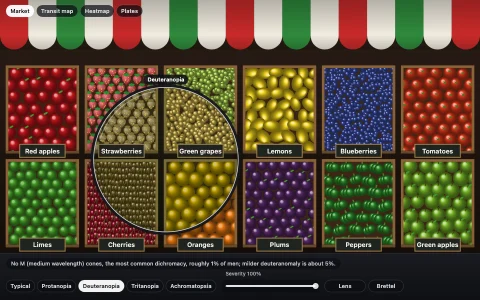
A night street shot through a simulated lens, with polygonal bokeh and cat's eyes.
A street of fairy lights, paper lanterns, lamps and a neon sign is real 3D geometry in meters, projected through a thin lens onto a 36 x 24 mm sensor. Every point light is splatted with its own circle of confusion, c = A f |Z - S| / (Z (S - f)), using an aperture-shaped kernel: blades that round off as the lens opens up, onion rings from an aspherical element, dust specks, and a green or magenta fringe depending on whether the light sits behind or in front of the focus plane. Near the frame edges each kernel is clipped by the lens barrel into a cat's eye, and stopped-down sharp lights grow diffraction sunstars. Everything that is not a point light lives in 20 depth layers, each blurred by the circle of confusion of its depth, and a small ray diagram shows the cone of light behind the lens for the light you point at.
Try it. Click anything to focus on it, and drag to move the camera sideways or shift the lens up and down. The controls panel (it unfolds when you hover or tap) sets focal length, f-stop, focus distance, blade count and the glass character (clean, onion rings or soap bubble). Keys: up and down focus, left and right change focal length, [ and ] change the f-stop, 5 to 9 pick the blade count, 0 a circular aperture, G the glass, H hides the panel.
Paste this into Claude Code, Codex or any coding agent to get a simple version running, then take it wherever you like.
Build a simulated camera lens that renders bokeh with JavaScript and the HTML canvas element. Put everything in a single index.html file with no libraries or build step, so I can open it directly in a browser.

Start simple:
- Make a canvas that fills the window, stays sharp on high-DPI screens (scale by devicePixelRatio), and resizes with the window. Paint a dark night-sky gradient.
- Create about 300 point lights in 3D (x, y and a depth z in meters), for example a few strings of fairy lights hanging across a street at different distances. Project each one with a pinhole camera: screen x = centerX + f * x / z, using a 50 mm focal length on a 36 mm wide sensor.
- Give the camera a focus distance S and an f-number N. For each light compute the circle of confusion c = A * f * |z - S| / (z * (S - f)) with aperture diameter A = f / N, converted from millimeters on the sensor to pixels.
- Draw each light as a disc of diameter c (at least 2 pixels) with globalCompositeOperation = "lighter", and divide its brightness by the disc's area so energy is conserved. Add sliders for focus distance and f-number.

Once that works, make it beautiful:
- Pre-render the bokeh kernel into a small offscreen canvas once: a regular polygon for 5 to 9 aperture blades, with a slightly brighter rim. Draw it with drawImage scaled to c, tinted per light color.
- Near the edges of the frame, clip each disc with a second, offset circle so it becomes a cat's eye.
- Click on a light to focus on its depth, easing the focus distance smoothly.

Explain the key ideas in short code comments. When you're done, tell me how to open it and suggest three directions I could take it next, such as blurring non-light objects by depth layer, onion-ring textures from aspherical glass, or diffraction sunstars when the lens is stopped down.