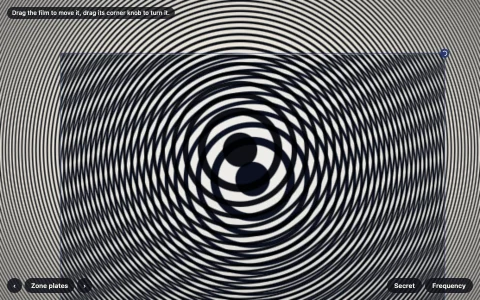
Wheels stop, creep and spin backwards under a film camera or a strobe.
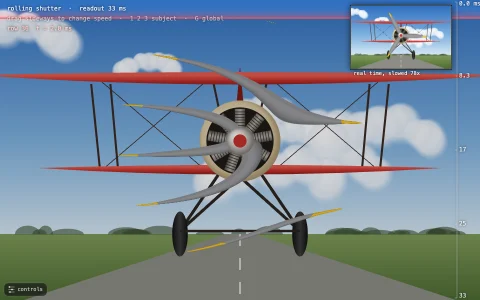
A cart wheel, a fan, a hummingbird, a 3D zoetrope and a phenakistiscope disc filmed by a simulated camera or lit by a strobe. Every frame is rendered at its exact sample time and exposed for the shutter angle as a true time average of many instants, so motion blur and aliasing both come out right (each instant is composed whole and folded into a running mean): a 12-spoke wheel's pattern frequency is folded to f minus fps times round(f over fps), freezing at whole multiples and reversing just below them. The readout shows that fold as a sawtooth and as a per-frame step dial, the film strip keeps the last six frames, and the zoetrope and disc only animate when the flash rate matches their frame count, which is how pre-cinema animation worked.
Try it. Drag the subject to spin it (drag up and down on the hummingbird to change its wingbeat). Choose a subject (1 to 5), Film, Strobe or Daylight (M), and set speed, frame or flash rate and shutter angle. Sync (S) picks a rate that freezes the motion, Paint (P) toggles the red spoke, which repeats once per turn instead of 12 times and so aliases differently from the spoke pattern (the readout tracks both), and Space brings back the autopilot that speeds the wheel up and down.
Paste this into Claude Code, Codex or any coding agent to get a simple version running, then take it wherever you like.
Build a wagon-wheel effect demo with JavaScript and the HTML canvas element: a spinning wheel filmed by a simulated camera, so it can look frozen, slow or backwards. Put everything in a single index.html file with no libraries or build step, so I can open it directly in a browser.

Start simple:
- Make a canvas that fills the window, stays sharp on high-DPI screens (scale by devicePixelRatio), and resizes with the window.
- Draw a wheel with 12 spokes, a rim and a hub, rotated by an angle.
- Keep a true clock and a true angle that advances by 2 * PI * speed * dt. Separately keep a camera that takes a frame every 1 / fps seconds: when a frame is due, render the wheel at the exact angle for that frame time into an offscreen canvas, and on screen always show the latest camera frame.
- Add sliders for wheel speed (0 to 5 turns per second) and camera frame rate (1 to 60).
- Show the numbers: the spoke pattern frequency is 12 * speed, and what the camera sees is f - fps * Math.round(f / fps). Print the apparent turns per second and whether it looks forwards, frozen or backwards.

Once that works, make it beautiful:
- Add motion blur from the shutter angle: draw the wheel several times at evenly spaced instants across the exposure (shutter / 360 / fps seconds) with globalAlpha = 1 / (i + 1), which averages them.
- Draw the wheel nicely: wooden spokes with a gradient, an iron tire and a hub with bolts.
- Plot the apparent frequency against the true one as a sawtooth with a dot for the current setting.

Explain the key ideas in short code comments. When you're done, tell me how to open it and suggest three directions I could take it next, such as painting one spoke red to compare the wheel's own rotation with its spoke pattern, a phenakistiscope disc that animates when the flash rate matches its frame count, or a fan behind a static guard.