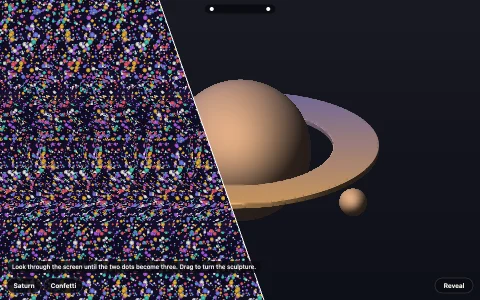
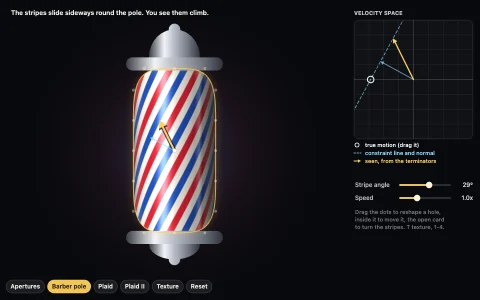
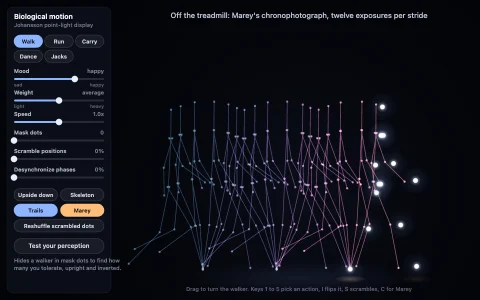
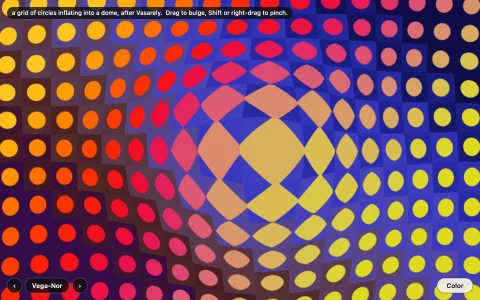
A perfectly still image whose wheels turn wherever you are not looking.
A field of Kitaoka-style peripheral drift wheels, each ring built from snake-scale elements that repeat four tones: black, a dark tone, white and a light tone. Nothing on the canvas moves except the red fixation dot, yet every wheel outside your direct gaze drifts, and neighboring wheels are mirrored so they turn opposite ways. The leading explanation is that high contrast edges are processed a few milliseconds faster than low contrast ones, so after each eye movement black registers before the dark tone beside it and white before the light tone, which motion detectors read as a step. The panel applies that rule to whatever tone order you build and predicts the drift, a slow-motion transient replays the latency stagger as visible motion, and the counter-rotate slider spins the wheels for real so you can cancel the illusion and measure it.
Try it. Follow the hopping red dot, or move the pointer to fixate wherever you like. Hover (or tap Controls) for presets, layouts, color or gray, and sliders for segments, rings, edge width, contrast and counter-rotation; click a swatch to swap two tones. Keys: R reverses every wheel, T plays the slow-motion transient, L cycles layouts, C toggles color, 1 to 5 pick presets, arrows change rings and segments.
Paste this into Claude Code, Codex or any coding agent to get a simple version running, then take it wherever you like.
Build a Rotating Snakes style peripheral drift illusion with JavaScript and the HTML canvas element: a completely still image whose wheels seem to turn when you are not looking straight at them. Put everything in a single index.html file with no libraries or build step, so I can open it directly in a browser.

Start simple:
- Make a canvas that fills the window, stays sharp on high-DPI screens (scale by devicePixelRatio), and redraws on resize. Nothing animates.
- Write a function that draws one wheel: several concentric rings, and in each ring a repeating sequence of four tones in this exact order: black, dark gray, white, light gray. Make black and white thin (about 15 percent of each element) and the two grays wide.
- Give inner rings fewer elements so every element is roughly as long as its ring is wide, and offset alternate rings by half an element.
- Tile the screen with wheels, mirroring every other one (scale(-1, 1)) so neighbors turn opposite ways. Add a small red dot to look at.

Once that works, make it beautiful:
- Curve the boundaries between tones (shift each boundary's angle by a small amount that depends on the square of the position across the ring) so the elements look like snake scales, and make the black and white stripes slightly fatter in the middle.
- Offer Kitaoka's color version: replace dark gray with a blue and light gray with a yellow of similar brightness.
- Add a key that reverses the tone order, and notice that the drift flips. Add one that swaps the white and light gray, and notice that it almost vanishes.
- Render each wheel once to an offscreen canvas and reuse it.

Explain in short code comments why the order matters: drift runs from black toward dark gray and from white toward light gray, probably because high contrast edges are processed slightly faster. When you're done, tell me how to open it and suggest three directions I could take it next, such as a slider that really counter-rotates the wheels until the illusion cancels, a linear version made of bands, or a slow-motion replay of the latency explanation.