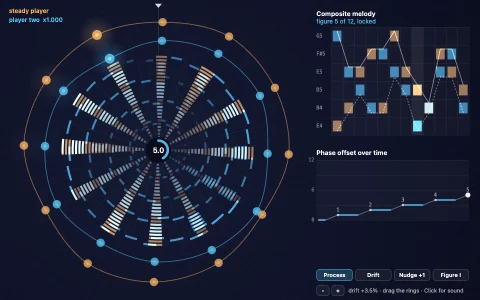
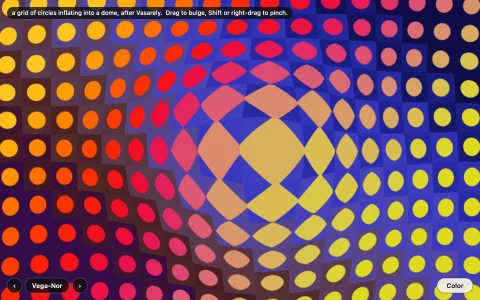
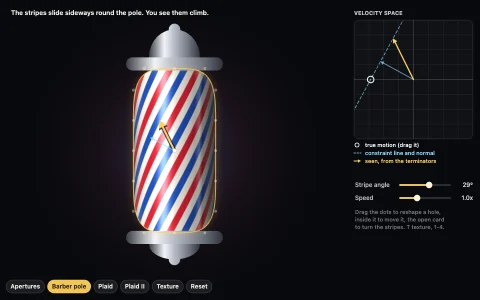
Two sheets of fine lines beat into giant ghosts, and hide a secret message.
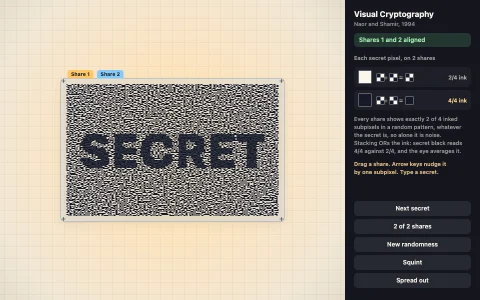
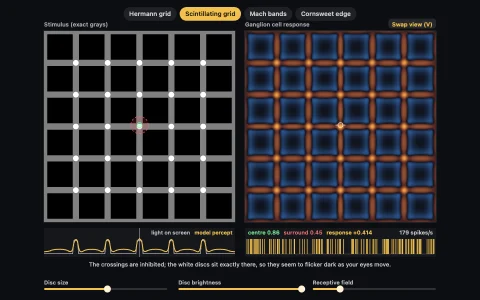
A printed sheet lies on a light box with a transparency on top, each carrying zone plates, rings, lines, halftone dots or spokes. Every pattern is a phase field such as y / P or r / P, rendered per pixel with edges antialiased from the field's own derivative, so the pixel grid never adds moire of its own; the light that reaches you is the product of the two sheets' transmittances. Multiplying gratings with local wavevectors k1 and k2 creates a term at k1 - k2, and when the sheets are nearly alike that difference is tiny: a beat hundreds of pixels wide. The frequency view low-passes half the stage (what squinting does) and plots k1, k2 and their beat at a probe point. Secret mode is moire cryptography: both sheets share the same random wobble and the base is shifted half a period inside the letters, so each sheet alone is meaningless and the message only appears when they line up exactly.
Try it. Drag the film to slide it and drag its corner knob (or Shift-drag) to turn it, geared down because moire magnifies tiny angles. The chips or keys 1 to 7 switch patterns, F opens the frequency view (drag the probe), Secret hides a message: type to change it, press 0 to snap the film into register, then nudge it with the arrow keys (Shift for fine steps) and watch text and ground swap places.
Moire beat frequencies
Analytic antialiasing from phase-field derivatives
Paste this into Claude Code, Codex or any coding agent to get a simple version running, then take it wherever you like.
Build an interactive moire pattern toy with JavaScript and the HTML canvas element: two transparent sheets of fine lines whose overlap creates huge sweeping interference shapes. Put everything in a single index.html file with no libraries or build step, so I can open it directly in a browser.

Start simple:
- Make a canvas that fills the window, scales by devicePixelRatio, and resizes with the window. Paint it warm white.
- Draw the base sheet: about 150 concentric circles around the center, 8 pixels apart, stroked in near-black with a line width of 3.
- Draw a second identical set of circles on top, centered on the mouse position (or on a point that drifts slowly when the mouse is idle).
- Animate with requestAnimationFrame. Moving the second center should sweep big ghostly fringes across the screen.

Once that works, make it beautiful and explain it:
- Add more pattern pairs and a key to switch between them: parallel lines with the top sheet rotated a few degrees, a grid of dots, and radial spokes. Rotate with the arrow keys, in small steps, because moire magnifies tiny angles.
- Give the top sheet a visible rectangular edge so you can compare the overlap with a single sheet.
- Add a squint view: render the overlap to an offscreen canvas and draw it back with ctx.filter = "blur(6px)". Only the large beat pattern survives, which is the moire.
- Show the math in a corner: for two line gratings with wavevectors k1 and k2, the beat has wavevector k1 - k2 and period 1 / |k1 - k2|. Print that period live.

Explain the key ideas in short code comments. When you're done, tell me how to open it and suggest three directions I could take it next, such as hiding a secret message by shifting the base lines half a period inside some letters, zone plates whose overlap makes straight fringes, or rendering per pixel with antialiasing so the screen's own pixel grid stops adding moire.