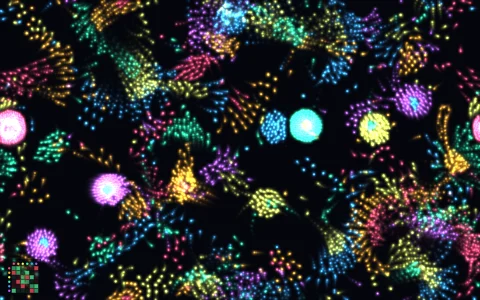
Words made of thousands of particles that scatter and regroup.
Text is drawn invisibly to an offscreen canvas, and its pixels are sampled to find target positions. Each particle springs toward its target with damping, so when the word changes they fly to their new places, and they flee from the pointer and then settle back. It is a tiny physics engine driven by getImageData.
Try it. Move the pointer through the letters to scatter them. Click to show the next word.
Paste this into Claude Code, Codex or any coding agent to get a simple version running, then take it wherever you like.
Build an interactive particle text effect with JavaScript and the HTML canvas element. Put everything in a single index.html file with no libraries or build step, so I can open it directly in a browser.

Start simple:
- Make a canvas that fills the window, stays sharp on high-DPI screens (scale by devicePixelRatio), and resizes with the window. Paint it a near-black background.
- Draw a word like "hello" in a big bold font onto a hidden offscreen canvas, read its pixels with getImageData, and walk a grid every 5 pixels or so. Every grid point that lands on an inked pixel becomes a target position.
- Create one particle per target, starting at random positions. Each frame, accelerate each particle toward its target with a spring (acceleration = 0.05 * (target - position)) and multiply its velocity by about 0.85 for damping.
- Make particles flee from the mouse: if one is within about 80 pixels, push it away harder the closer it is. The spring pulls it back afterward.

Once that works, make it beautiful:
- Keep a list of words ("canvas", "hello", "draw", "60 fps") and cycle through them every few seconds. Reuse the same particles and just give them new targets, shuffled so they fly across the screen.
- Color the particles with a rainbow gradient across the word using hsl(), and draw them with globalCompositeOperation = "lighter" so they glow.
- Batch the dots into one path per color so thousands stay smooth at 60 fps.
- Click to jump to the next word with an explosion outward from the click point.

Explain the key ideas in short code comments. When you're done, tell me how to open it and suggest three directions I could take it next, such as sampling an image or emoji instead of text, typing your own word, or particles that leave motion trails.