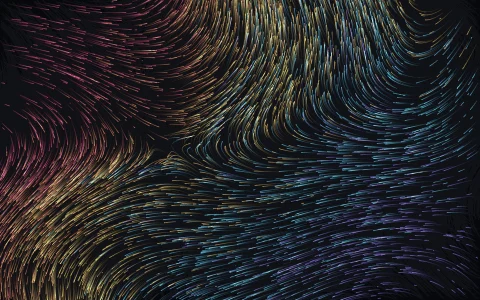
Hundreds of trajectories swirl around the famous butterfly.
The Lorenz system is three simple equations that never settle into a repeating loop. Hundreds of particles start close together and are integrated in 3D, rotated, and projected onto the screen with fading tails. They quickly spread across both wings of the attractor, showing order emerging from chaos.
Try it. Drag to orbit the camera. Click to release a new cloud of particles.
Paste this into Claude Code, Codex or any coding agent to get a simple version running, then take it wherever you like.
Build an animated Lorenz attractor with JavaScript and the HTML canvas element. Put everything in a single index.html file with no libraries or build step, so I can open it directly in a browser.

Start simple:
- Make a canvas that fills the window, stays sharp on high-DPI screens (scale by devicePixelRatio), and resizes with the window. Use a near-black navy background.
- The Lorenz system is dx/dt = 10 (y - x), dy/dt = x (28 - z) - y, dz/dt = x y - (8/3) z.
- Create 300 particles that all start within 1 unit of the point (0, 0.5, 12). Every frame, advance each one by about 0.012 time units using a few small steps.
- Give each particle a tail: a ring buffer of its last 40 positions stored in a Float32Array.
- Slowly rotate everything around the vertical z axis, tilt it a little, and project with a perspective divide, centered on z = 25.
- Draw each tail as line segments that get more transparent toward the end.

Once that works, make it beautiful:
- Color by wing (blue when x < 0, pink when x > 0), brighten faster segments, and draw with globalCompositeOperation = "lighter" so dense regions glow.
- Batch the segments into one path per color and opacity level so thousands of lines stay smooth at 60 fps.
- Let me drag to orbit the camera with inertia, and click to release a new tight cloud of particles where I clicked.

Explain the key ideas in short code comments. When you're done, tell me how to open it and suggest three directions I could take it next, such as sliders for sigma, rho and beta, other attractors like Rossler or Aizawa, or a plot showing how fast two nearby particles separate.