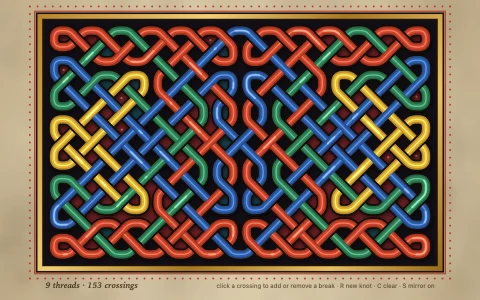
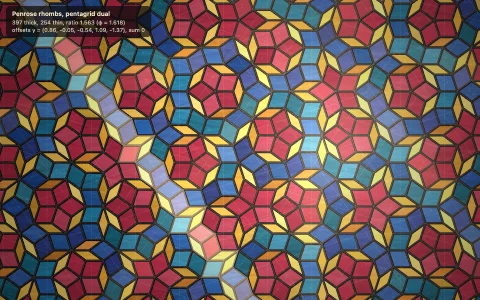
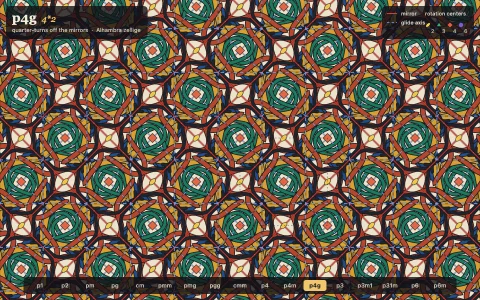
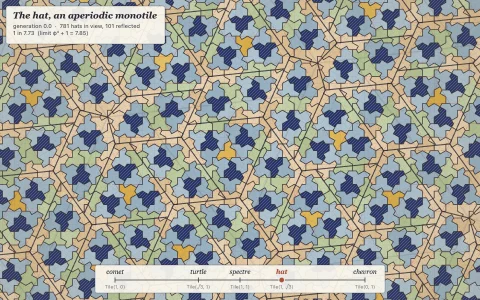
Interlaced Islamic star patterns built live from one angle over a hidden tiling.
A hidden tiling of polygons is laid down first: one of the eleven Archimedean tilings, or a Laves dual made of kites, rhombs, pentagons or triangles. E. H. Hankin's polygons-in-contact method then launches two rays from the midpoint of every edge at the contact angle, and each ray runs until it meets its partner from the neighboring edge. Because both polygons on an edge use the same angle, the rays line up across it and chain into long straps. Every crossing is found, straps are traced as polylines, and over/under is propagated along each strap so the weave always alternates. The straps also form a planar graph whose faces are walked edge by edge and glazed like zellige, with congruent faces (same area and perimeter) sharing a color.
Try it. Drag left or right anywhere, or use the slider, to sweep the contact angle. The arrows and the tiling name step through 16 tilings, Construction (or a tap, or C) reveals the tiling and rays, and hovering lights up one whole strap. Arrow keys nudge the angle (hold Shift for fine steps) and Up/Down change the tiling.
Paste this into Claude Code, Codex or any coding agent to get a simple version running, then take it wherever you like.
Build an Islamic star pattern generator with JavaScript and the HTML canvas element, using Hankin's "polygons in contact" method. Put everything in a single index.html file with no libraries or build step, so I can open it directly in a browser.

Start simple:
- Make a canvas that fills the window, stays sharp on high-DPI screens (scale by devicePixelRatio), and resizes with the window. Paint it a deep blue background.
- Lay out a square grid of squares, each about 80 pixels across, covering the screen. Keep each polygon as a list of its corner points.
- For every edge of every polygon, find its midpoint and launch two rays into the polygon at a "contact angle" measured from the edge: one leaning toward each end of the edge.
- In each polygon, intersect the ray that leans toward a corner with the ray from the next edge that leans toward the same corner. Draw both rays from their midpoints to that intersection point.
- Add a slider for the contact angle (about 20 to 85 degrees) and redraw whenever it moves. Watch the stars appear.

Once that works, make it beautiful:
- Add the 4.8.8 tiling (octagons and squares) and switch between tilings with a key. Write each polygon as a center, a number of sides and a rotation, repeated on a lattice.
- Draw the lines as gold straps: a thick dark stroke, then a thinner gold stroke, then a thin pale highlight down the middle.
- Weave them: find every crossing, and redraw a short piece of one strap on top so it passes over the other. Alternate over and under as you walk along each strap.
- Fill the shapes between straps with glazed tile colors like lapis, turquoise and ivory.

Explain the key ideas in short code comments. When you're done, tell me how to open it and suggest three directions I could take it next, such as more tilings like 3.12.12 or 4.6.12, coloring the regions automatically by finding the faces of the line pattern, or animating the angle through famous historical designs.