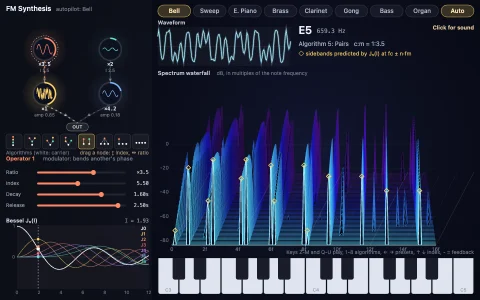
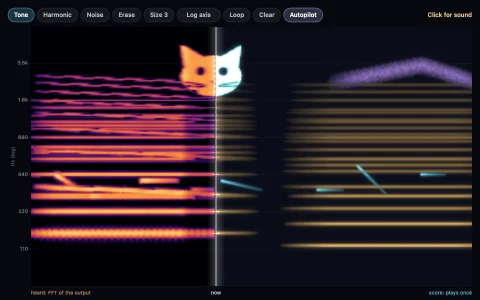
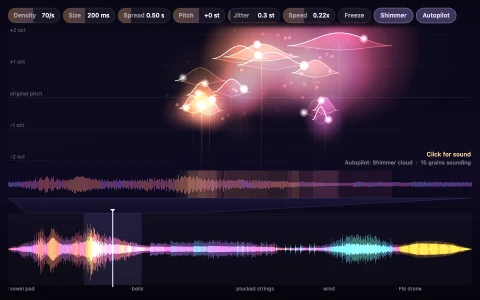
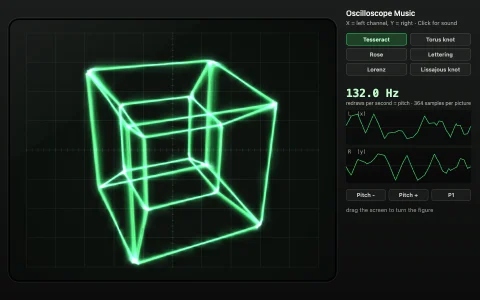
A eurorack case with a working signal graph and patch cables that sag and swing.
Thirteen modules (sequencer, two band-limited oscillators, LFO, noise with sample and hold, mixer, two ADSR envelopes, a zero-delay-feedback multimode filter, VCA, tape delay, scope and output) each run as a small DSP routine, and a cable simply makes an input jack read an output jack. The whole patch is evaluated sample by sample in module order, so feedback loops just arrive one sample late, the way analog-modeling engines break cycles. Every cable is a Verlet rope pinned at both plugs, a little longer than the gap so it sags, swings when dragged and bounces when the case is bumped, and gate pulses travel down the cables as light. The scope triggers on rising zero crossings and the spectrum is a live FFT of the output; after a click the same engine runs in a Web Audio script processor, so what you see is what you hear.
Try it. Drag from any jack to another to patch a cable, pull a plug out to unplug it (drop it anywhere and it falls away), drag knobs up and down (or hover one and use the arrow keys), and click the step lights to mute steps. Grab a cable in the middle to swing it. Space shakes the case, C pulls every cable, 1 to 5 load the autopilot's patches, A toggles the autopilot and M mutes.
Paste this into Claude Code, Codex or any coding agent to get a simple version running, then take it wherever you like.
Build a tiny modular synthesizer with JavaScript, the HTML canvas element and the Web Audio API. Put everything in a single index.html file with no libraries or build step, so I can open it directly in a browser.

Start simple:
- Make a full-window canvas, sharp on high-DPI screens, with four modules drawn as rounded panels: an oscillator (SAW and SQUARE outputs, TUNE knob), an LFO (SINE output, RATE knob), a filter (IN and CUTOFF CV inputs, CUTOFF knob) and an output (IN).
- Draw each jack as a small circle. Keep a list of cables, each joining one output jack to one input jack. Drag from a jack to draw a cable; release over a jack of the opposite kind to connect.
- Build the matching audio graph: an OscillatorNode for each oscillator, a BiquadFilterNode for the filter, and a GainNode for the output. A cable into an audio input calls connect() on the node; a cable into a CV input connects into an AudioParam (for example lfo -> gain -> filter.frequency).
- Create the AudioContext only on the first click, and show a "Click for sound" hint until then.

Once that works, make it beautiful:
- Turn each cable into a rope: about 16 points with Verlet integration (position minus previous position, plus gravity), relaxed toward a fixed segment length a few times per frame with both ends pinned to the jacks. Make it a bit longer than the gap so it sags, and draw a smooth thick curve with a highlight.
- Draw knobs with a pointer line and turn them by dragging up and down, updating the AudioParams with setTargetAtTime so there is no zipper noise.
- Add an AnalyserNode before the output and draw a glowing oscilloscope that triggers on a rising zero crossing so the waveform stands still.

Explain the key ideas in short code comments. When you're done, tell me how to open it and suggest three directions I could take it next, such as a step sequencer with an envelope, writing the modules as your own sample-by-sample DSP, or a self-patching autopilot.