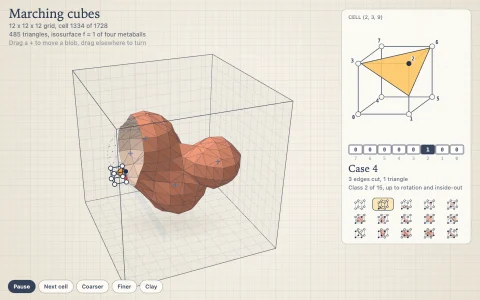
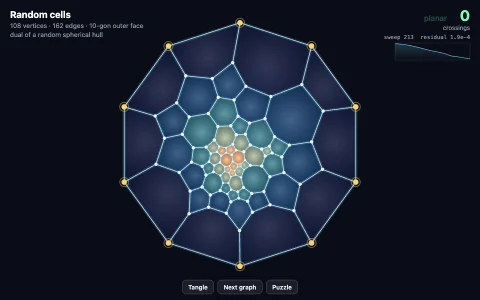
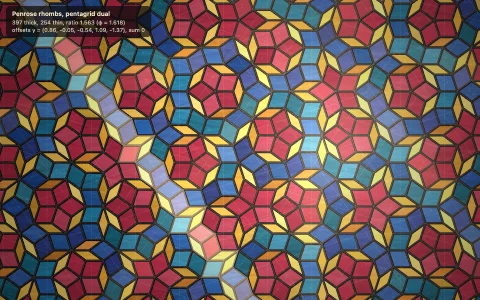
A hyperplane sweeps through 4D shapes, leaving glassy 3D cross sections.
Like a Flatlander watching a sphere pass through as a growing and shrinking circle, you see the 3D cross sections of four-dimensional objects as the hyperplane w = h sweeps through them. Polytopes are sliced exactly: each cell is cut in a flat polygon whose corners are where its edges cross the hyperplane, and those polygons are the faces of the slice, each keeping its cell's color, with the volume from the divergence theorem. The hypersphere, duocylinder and a 4D torus are implicit surfaces sampled on a grid and meshed by marching tetrahedra. A tesseract entering corner first appears as a point, swells into a tetrahedron, truncates into an octahedron at its waist and shrinks away, while the slider charts the volume of every slice and the inset shows which edges are being cut.
Try it. Drag the slider (or press the up and down arrows) to move the hyperplane, drag the object to turn it in 4D (Shift-drag orbits the view), pick a shape from the chips or keys 1 to 7, and press V or 'change view' to enter corner first, cell first, edge first or tilted. Space pauses the sweep.
Paste this into Claude Code, Codex or any coding agent to get a simple version running, then take it wherever you like.
Build an interactive viewer for 3D cross sections of four-dimensional shapes with JavaScript and the HTML canvas element. Put everything in a single index.html file with no libraries or build step, so I can open it directly in a browser.

Start simple:
- Make a canvas that fills the window, stays sharp on high-DPI screens (scale by devicePixelRatio), and resizes with the window. Use a dark background.
- Build a tesseract: 16 vertices (+-1, +-1, +-1, +-1) / 2, edges between vertices that differ in one coordinate, and 8 cubic cells (the vertices with x = +1/2, the ones with x = -1/2, and so on).
- Rotate it with a 4x4 matrix so its long diagonal (1, 1, 1, 1) points along w.
- For a hyperplane w = h, find every edge whose endpoints lie on opposite sides and compute where it crosses. For each cell, collect its crossing points, sort them by angle around their center in the face plane, and you have one face of the 3D slice.
- Draw the faces in perspective with a slowly orbiting camera, and animate h back and forth. You should see a point grow into a tetrahedron, then an octahedron, then shrink away.

Once that works, make it beautiful:
- Shade each face with a Lambert term and give each cell its own jewel color. Draw back faces first, dimmed, then front faces translucent with light edges, so the slice looks like glass.
- Add a vertical slider for h, and drag on the canvas to rotate in the XW and YW planes.
- Add a hypersphere as an implicit shape, x^2 + y^2 + z^2 + w^2 < 1, sliced by sampling a grid and drawing the cells that are inside.

Explain the key ideas in short code comments. When you're done, tell me how to open it and suggest three directions I could take it next, such as marching tetrahedra for smooth shapes like the duocylinder, plotting the slice volume against h, or slicing the 24-cell and 600-cell.